No products in the cart.

Sale



Description
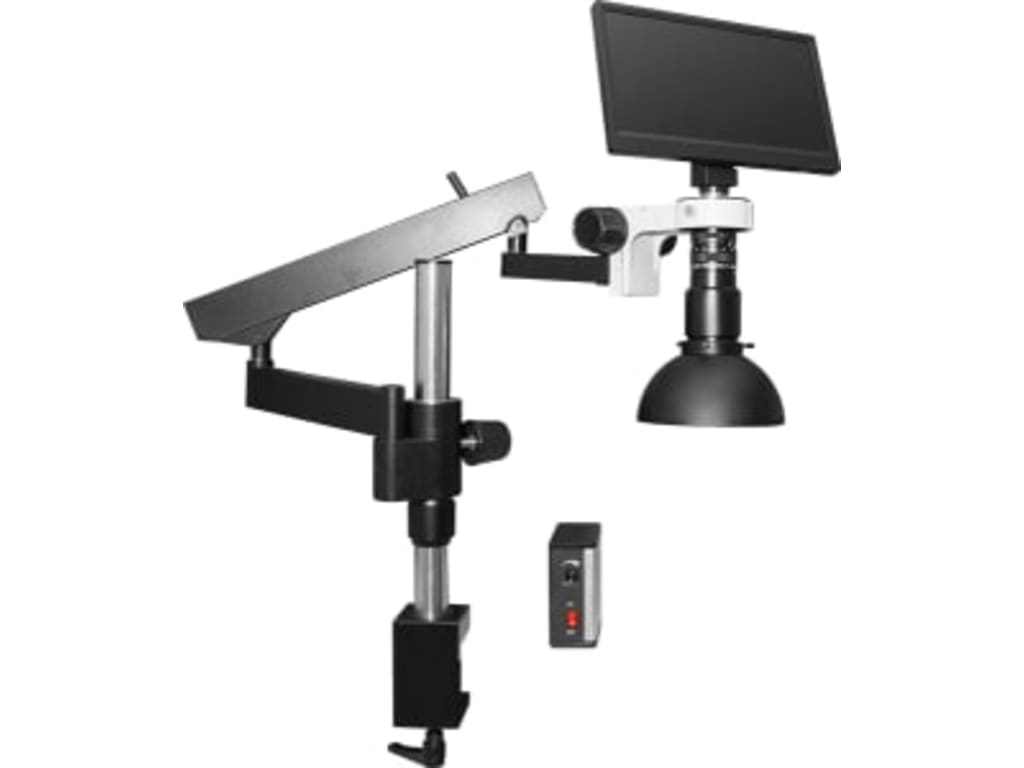
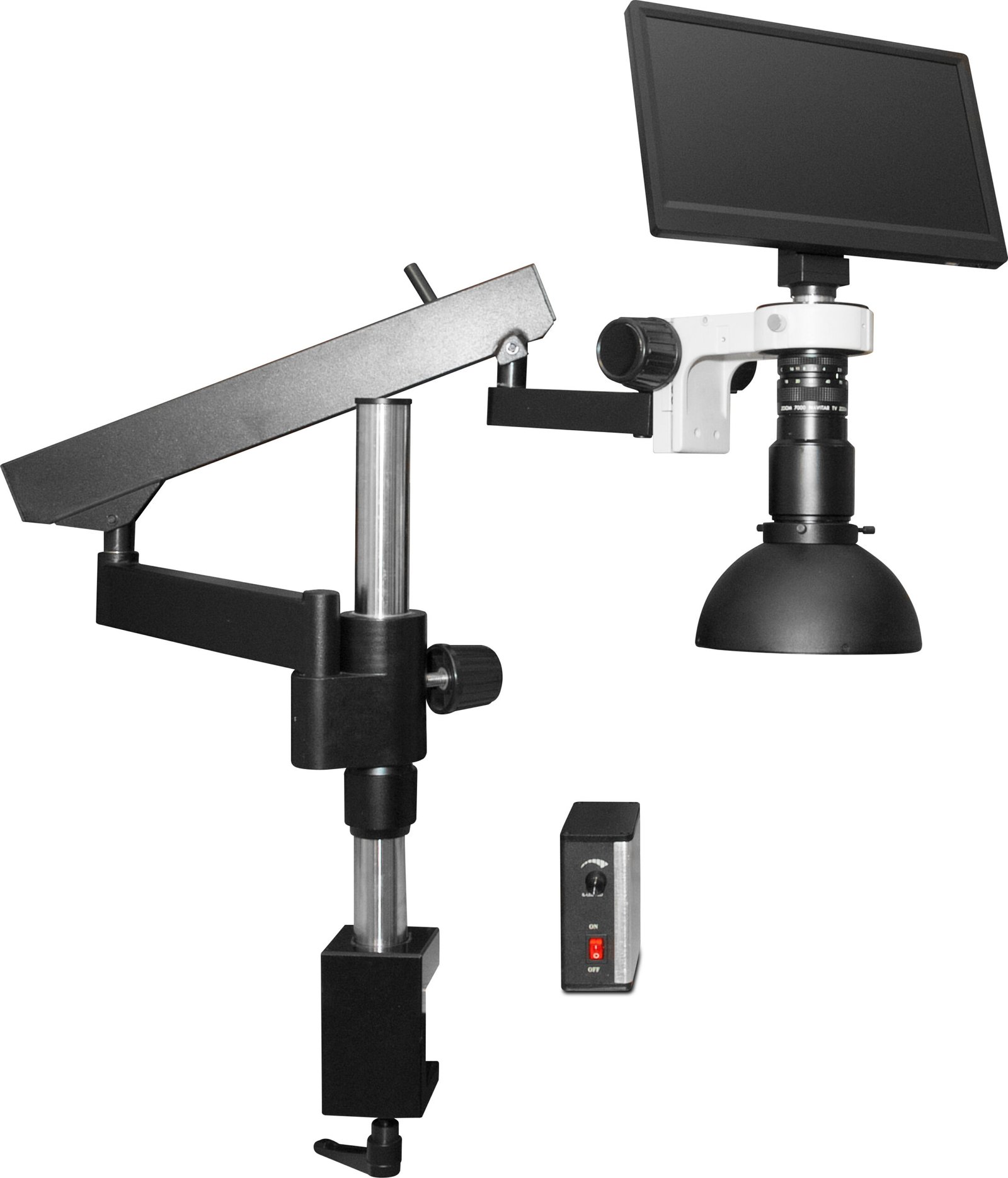
Scienscope MAC3-PK3-DM
- Onscreen camera control menu
- Image gallery with preview/playback
- Auto white balance
- Auto shutter and brightness
Mac3 Digital Inspection System
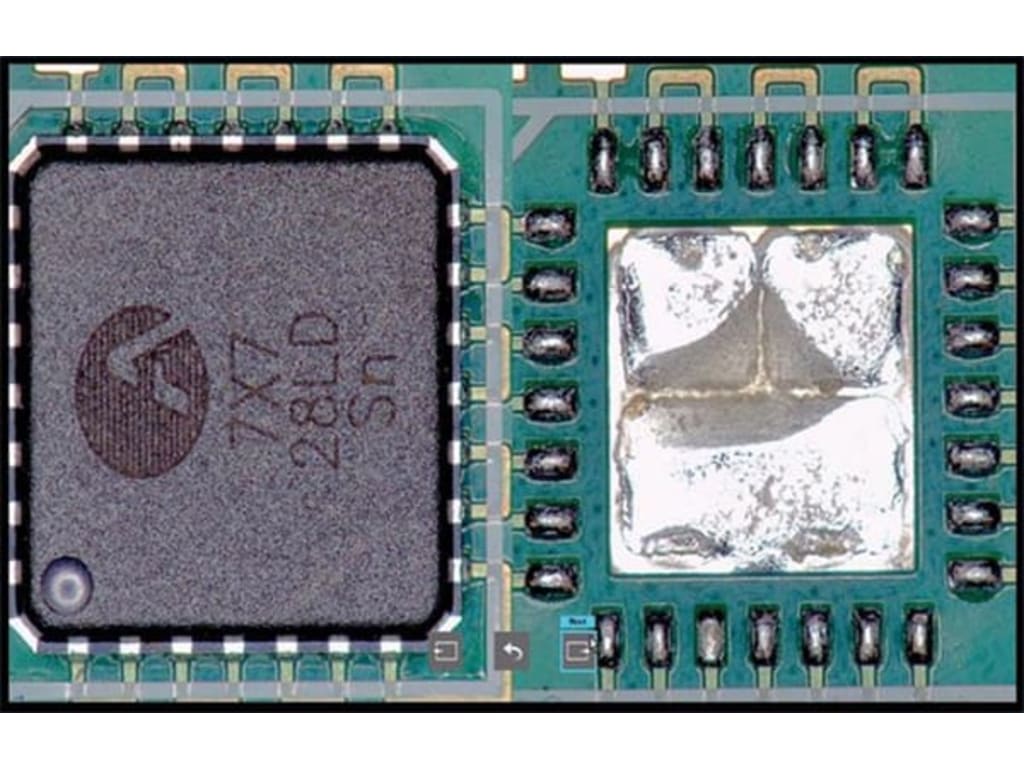
The Scienscope MAC3 is a complete video inspection system. Using the latest in HD technology and macro video optics, the MAC3 offers an ergonomic solution for the most fatiguing and difficult inspection tasks.
The MAC3 includes an integrated operating system and offers image and video capture to an SD card, and via USB. Split screen functionality is also included, with live image/captured image comparisons. And for added ease of use, automatic controls are provided for white balance, lens shutter and brightness. Image galleries, video playback, and menu settings can also be accessed through onscreen icons, which are designed to be user-friendly and easily operated through mouse control.
Applications
Electronics
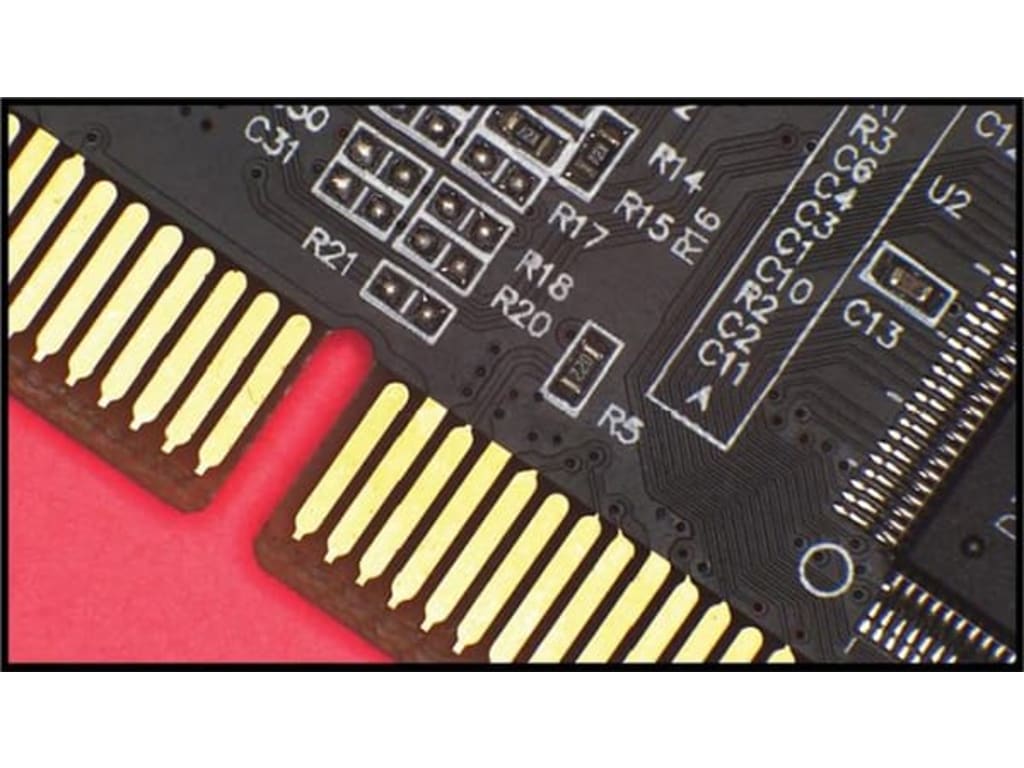
Macro Systems with the Scienscope MAC3 LCD Camera makes electronics inspection an even more comfortable and efficient process. Document your work! Images or videos can be captured with one click of the mouse and stored to a removable SD card. For high volumes of documentation use WIFI to connect and capture images with your computer.
Medical Devices
Keep a sharp focus, no matter what the application! Whether you are inspecting catheters, stents, pacemakers, or surgical implements, medical devices require 100% inspection with the greatest possible scrutiny. The quality of the Scienscope MAC3 LCD makes it even easier to inspect, document, and compare with confidence.
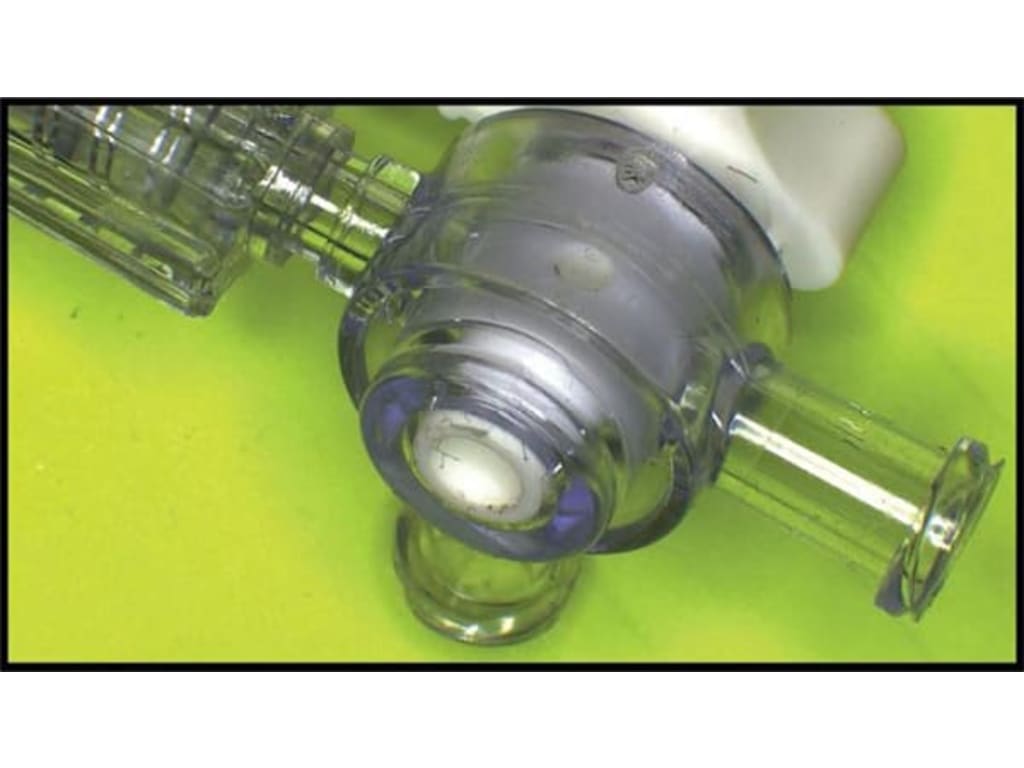
Aerospace & Defense
With perhaps the widest variety of applications the aerospace and defense industries, can benefit the most from autofocus technology. From fan blades to fasteners, electronics, and hydraulics, the MAC3 LCD systems from Scienscope can make unusual surfaces and geometries and easy inspection process. Now you can place your focus on quality rather than set-up and procedure with the HD 1080p Scienscope MAC3 LCD.
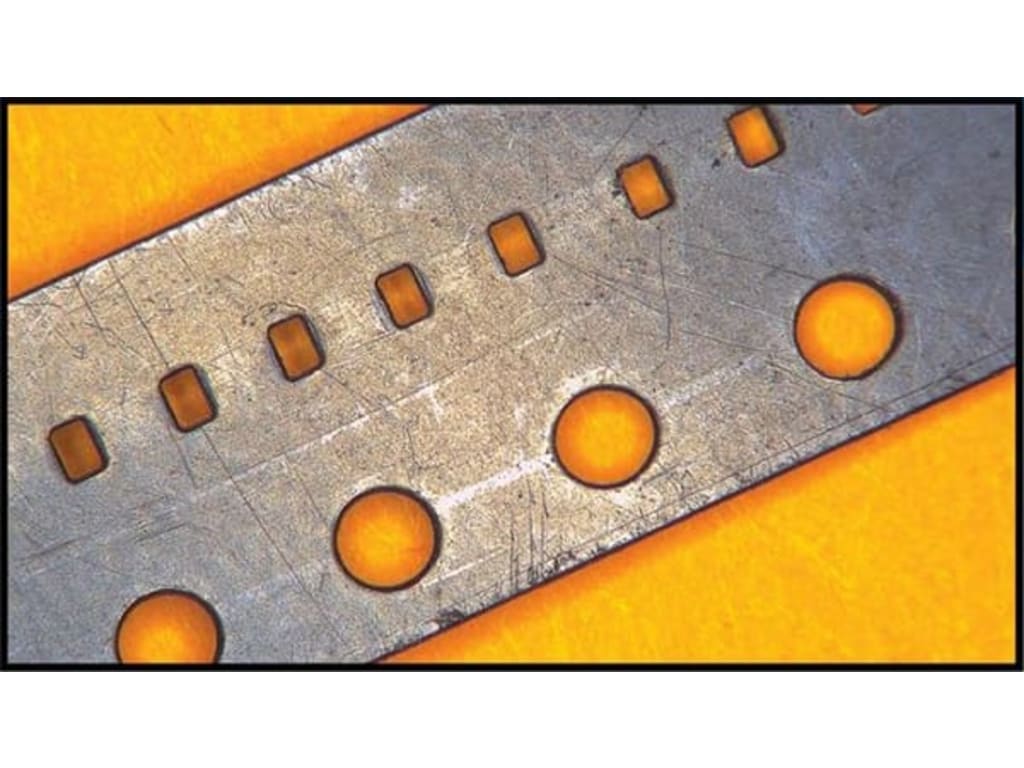
Software overview
The VersaCam comes loaded with a full suite of simple and powerful image enhancement, capture, comparison and memory management tools. Anyone can learn to use the camera to its full capacity within minutes.
Video Control Panel
Use the region of interest tool to make inspection easy. Click around the screen to automatically focus on an unfocused area of interest to bring it into a sharp view. Includes controllable autofocus menu.
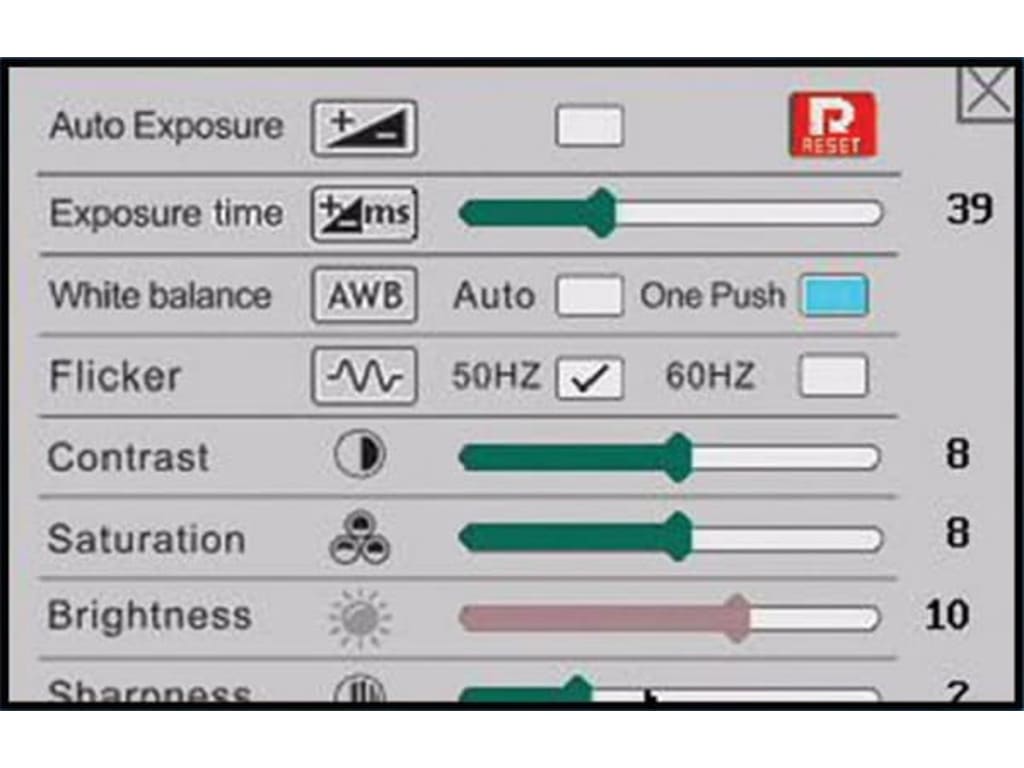
Easy to Use Comparative Measurement Grid Tools
Use the built-in video caliper to perform comparative measurements or use them as a quick and easy gauging tool.
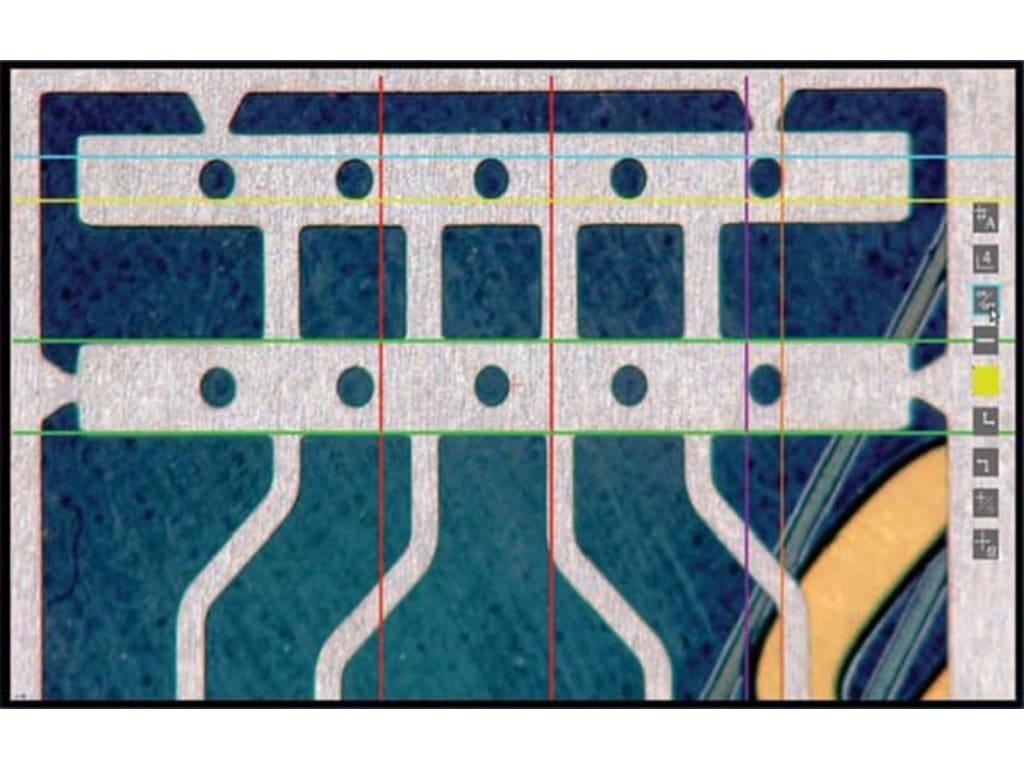
Split Screen Image View Display Option
Quickly and Easy compare previously captured images to live images. Excellent when using a pass/fail tool for training. Use the system to capture images of defects that you want your operators to avoid and compare.
Microscopes/Video Inspection Systems Template | |
|---|---|
| Magnification max | 40 x |
| Illumination Type | LED |
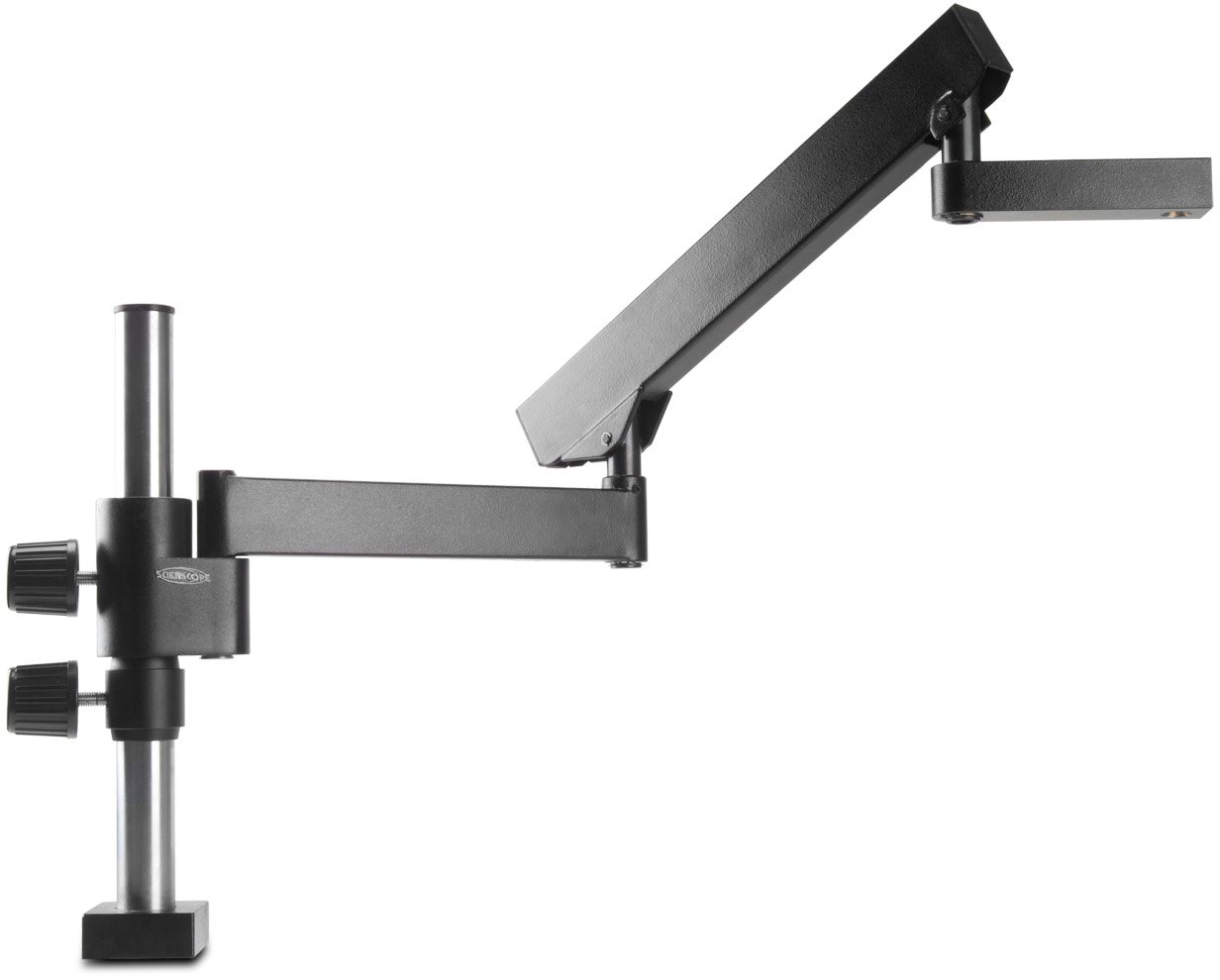
| Stand Type | Articulating Arm |
| Camera Included | Yes |
| Digital Camera Resolution | 2 Megapixels |
| ESD Safe | No |
You must be logged in to post a review.
Manuals/Guides
Related products
Sale

Vision Engineering Mantis Elite Universal – (MEH-001) with universal stand (MES-005)
Original price was: $4,515.00.$3,650.00Current price is: $3,650.00. Add to cartSale

LX Microscopes by Unitron 273RB-LED-ESD – Binocular Stereo Microscope with Dual Boom Roller Bearing Stand and Ring Light, ESD SAFE VERSION (Catalog # 23726RB-ESD)
Original price was: $2,215.00.$2,008.46Current price is: $2,008.46. Add to cartSale
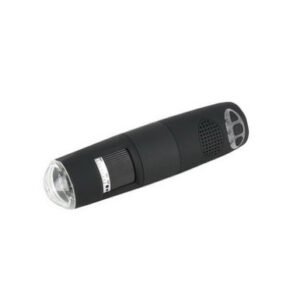
Techni-Pro 758IN1005 – HM Wi-Fi Microscope 500x-600x, 8 LED
Original price was: $381.81.$370.93Current price is: $370.93. Add to cartSale

Vision Engineering Mantis Elite Bench – (MEH-001) with bench stand (MBS202)
Original price was: $4,606.00.$3,729.00Current price is: $3,729.00. Add to cart
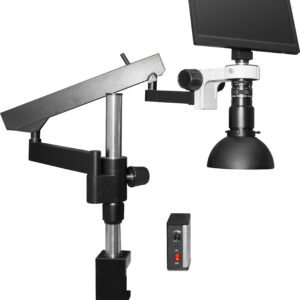 Scienscope MAC3-PK3-DM –...
 Original price was: $3,150.79.$2,694.75Current price is: $2,694.75.
Our team of knowledgeable professionals is here to help you make informed decisions. Whether you need product recommendations, technical support, or guidance on your purchase, we're just a click away.
Contact Us Now:
📧 sales@nestesinstruments.com
📞 +1 (833) 763-7837
Let us assist you in finding the perfect solution!
Contact Us Now:
📧 sales@nestesinstruments.com
📞 +1 (833) 763-7837
Let us assist you in finding the perfect solution!
Reviews
There are no reviews yet.