No products in the cart.

Sale




Description
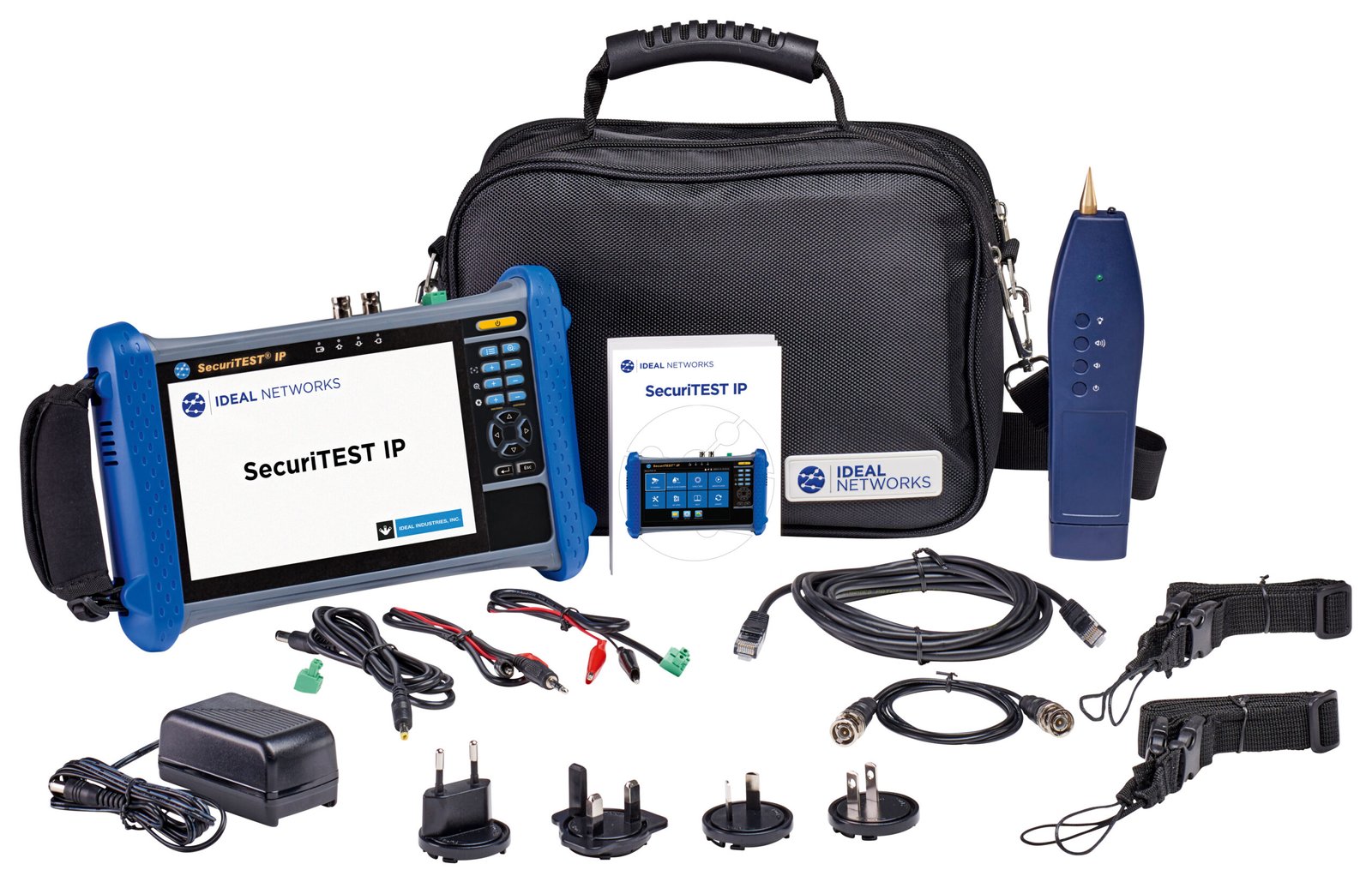
TREND Networks R171000 SecuriTEST IP CCTV Camera Tester

CCTV Camera Tester for IP Digital / HD Coax / Analog Systems
- Comprehensive camera setup
- Connect to ANY camera
- Automatic camera login
- Power the camera
- Provide proof of installation
- Eliminate guess work
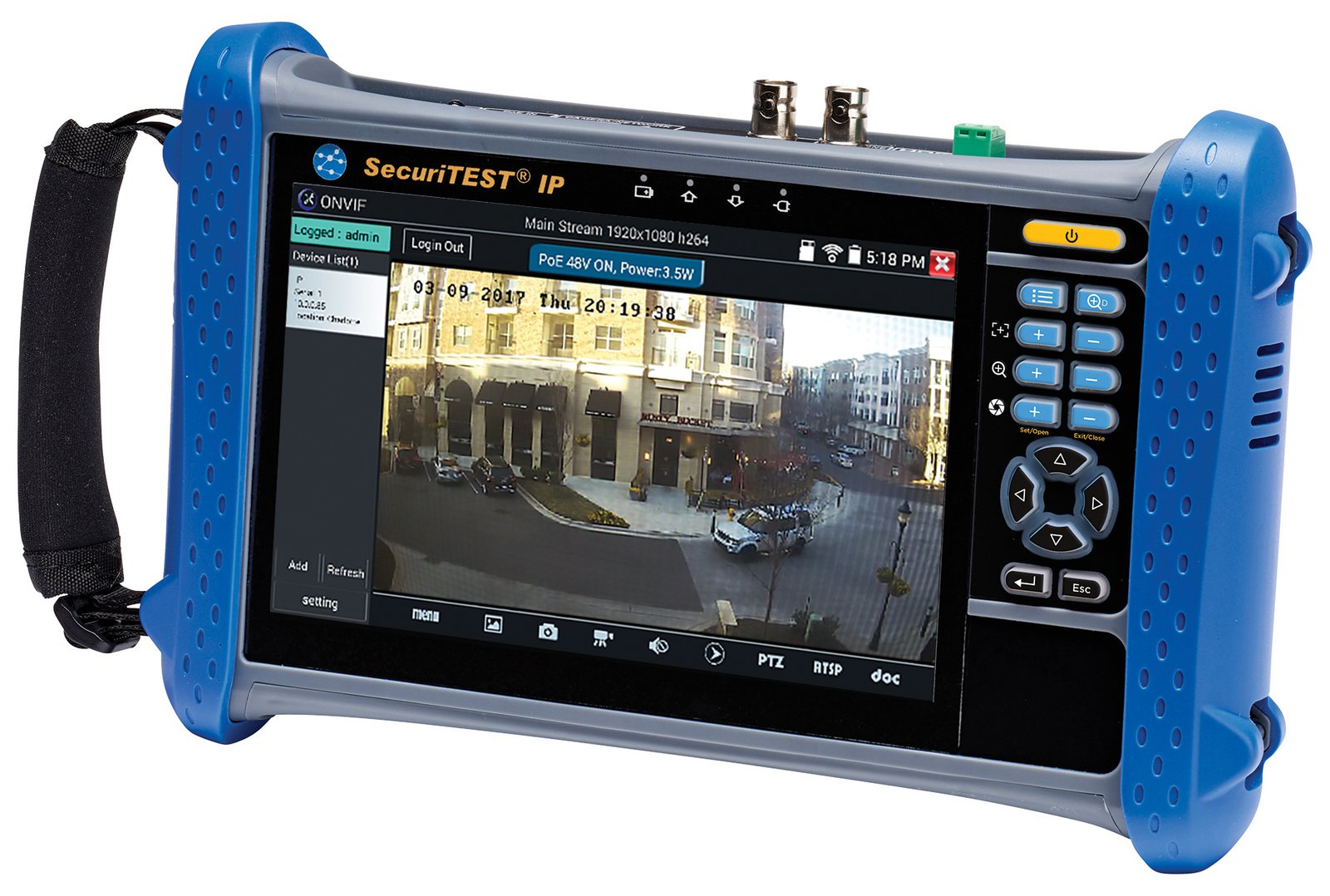
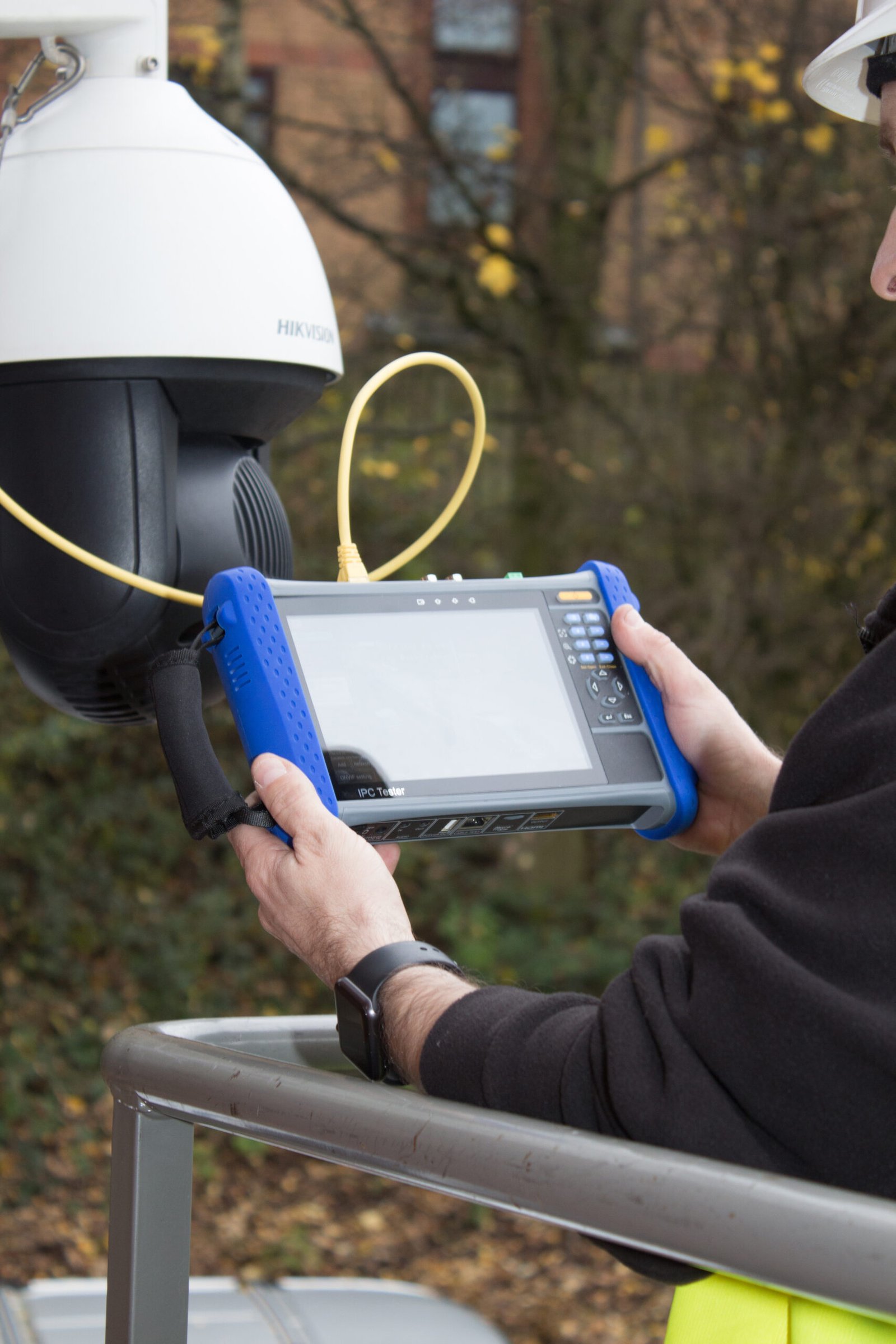
SecuriTEST IP is an installation and troubleshooting tester for digital/IP, HD coax and analog CCTV camera systems. With a single tester that can power, configure and document, SecuriTEST IP increases productivity from start to finish. Supply power to cameras via PoE/PoE+ (Power over Ethernet) or standard 12V DC power using its internal Li-Ion battery, eliminating the need for external power adapters and injectors.
The QuickIP feature allows installers who are new to IP camera systems to quickly and easily connect to cameras without being network experts. Create professional test reports including video screen shots to verify the job has been completed successfully and reduce unpaid call backs.
Camera Configuration, Installation and Troubleshooting

Power Camera
Whether you are installing or troubleshooting cameras, SecuriTEST IP supports all your power requirements for IP and analog cameras. No need for separate power injectors – SecuriTEST IP includes the following power outputs.
Camera Identification and Login
QuickIP automates the process of connecting to IP cameras, allowing novice technicians to configure IP cameras as easily as analog cameras. For instances where dynamic IP addresses are required by the camera, SecuriTEST IP has a built-in DHCP server making setup easy and eliminating the need for additional network hardware.
A suite of networking troubleshooting tools are available to pinpoint and solve network connectivity issues.
- Display Network Configuration
- Ping / TraceRoute
- Hub blink for Port Identification
- IP network Scan – check for IP address conflicts

IP Camera Setup
SecuriTEST IP offers a comprehensive range of ONVIF and non-ONVIF camera setup tools to ensure the camera is installed correctly.
- Configure camera – update camera information and network settings.
- Aim and focus – use the high-resolution touchscreen or the hard keys when wearing gloves.
- Program presets for PTZ cameras – Program PTZ camera presets for users to automatically look at predefined areas.
- Take snapshot – save video snapshots including preset locations for your installation reports.
- Record video clip – record video clips to demonstrate complete coverage for PTZ cameras.
Professional Reports*
Easily transfer reports from the jobsite – Using the built-in WiFi and the web browser, test reports can be sent directly from the tester using email, your preferred file sharing service or be exported on microSD card.
Convert unpaid call backs to billable service calls – Generate professional PDF reports that provide proof of installation to the client.
No more spreadsheets – Today security engineers waste time manually filling in excel documents to create reports. SecuriTEST IP is the first camera tester to capture camera image(s), network configuration and automate documentation.
Reduce troubleshooting time – Reports capture as-built configuration that will help to reduce troubleshooting on future call backs.
18GB of combined storage – 10GB of internal memory and 8GB available on the SD memory card included.
Data Cable Test (UTP) – Wiremap
Eliminate guess work troubleshooting cabling faults – SecuriTEST IP is used in combination with the “Cable Tracer/Remote Tool” to pinpoint cabling faults such as cross overs, miswires, shorts and opens. The length of the cabling is also provided.
Determine water ingress in data cabling – Many cables are run outside or in underground conduit and exposed to moisture. Moisture ingress through the cable jacket, which is impossible to see, leads to a number of performance problems.
Cable Tracing – Search for Cabling
SecuriTEST IP includes the ability to identify and trace cables using the digital tone generator and the “Cable Tracer/Remote Tool”. Choose from four tones and use the “Cable Tracer/Remote Tool” with variable sensitivity settings to trace either large cable bundles from a distance or pinpoint a single cable within a bundle.
Product General Attributes | |
|---|---|
| HTS/Schedule B Number | 9031.80.8085 |
| ECCN Number | EAR99 |
| Country of Origin | China |
You must be logged in to post a review.
Manuals/Guides
Related products
Sale

Triplett 8064 – CamView Analog Camera Tester
Original price was: $219.98.$184.41Current price is: $184.41. Add to cartSale

Triplett 8066 – CamView IP Pro 8W CCTV Camera Tester, Wrist Mount
Original price was: $296.98.$248.97Current price is: $248.97. Add to cartSale

Triplett 8150-BR-KIT – CamView IP Pro 5 HD CCTV Camera Tester with SBR2M Borescope
Original price was: $439.98.$368.85Current price is: $368.85. Add to cartSale

Televes H30D+ – Handheld QAM CATV & DOCSIS 3.1 Meter, 5 – 1218 MHz
Original price was: $2,198.90.$2,088.90Current price is: $2,088.90. Add to cart
 TREND Networks R171000 –...
 Original price was: $913.00.$867.35Current price is: $867.35.
Our team of knowledgeable professionals is here to help you make informed decisions. Whether you need product recommendations, technical support, or guidance on your purchase, we're just a click away.
Contact Us Now:
📧 sales@nestesinstruments.com
📞 +1 (833) 763-7837
Let us assist you in finding the perfect solution!
Contact Us Now:
📧 sales@nestesinstruments.com
📞 +1 (833) 763-7837
Let us assist you in finding the perfect solution!
Reviews
There are no reviews yet.